
Share Calendly links directly from Buzz
Calendly lets you share your availability through a personal booking link, allowing prospects to choose a time that works best for them — no back-and-forth messaging.
Put Calendly scheduling on autopilot with Buzz
Connect Calendly to Buzz to instantly share booking links, auto-track meetings, and see scheduled calls in your workflow — no manual steps required.
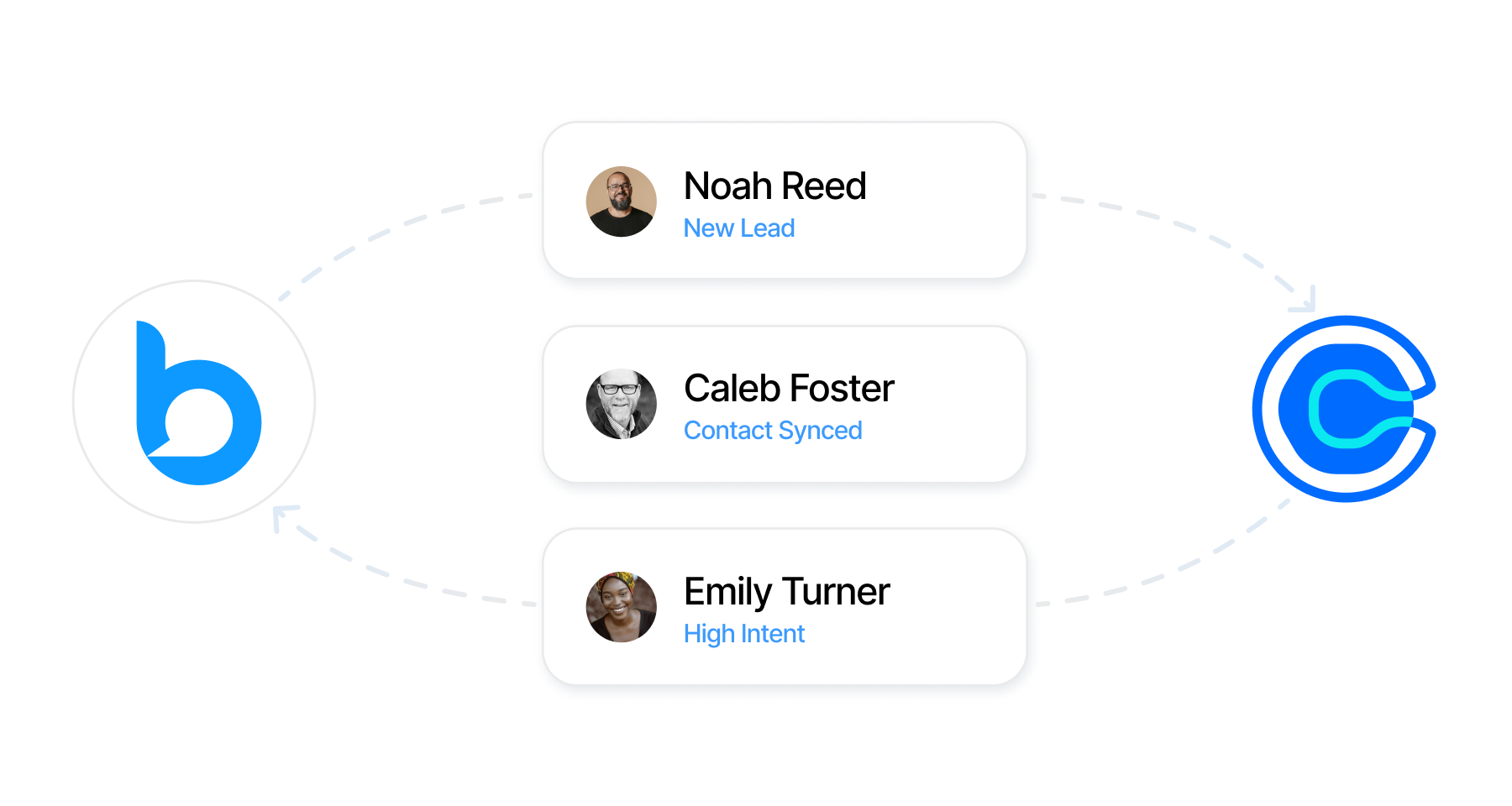
Calendly lets you share your availability through a personal booking link, allowing prospects to choose a time that works best for them — no back-and-forth messaging.
The AI Employee (available as an upgrade) schedules meetings and keeps everything in sync, so scheduling becomes a natural part of your workflow.
Calendly is a user-wide integration. Once connected, it applies across your entire Buzz account and stays available in every workspace tied to your login.
Each user controls their own Calendly connection. Other team members in the same workspace won’t see or use them.
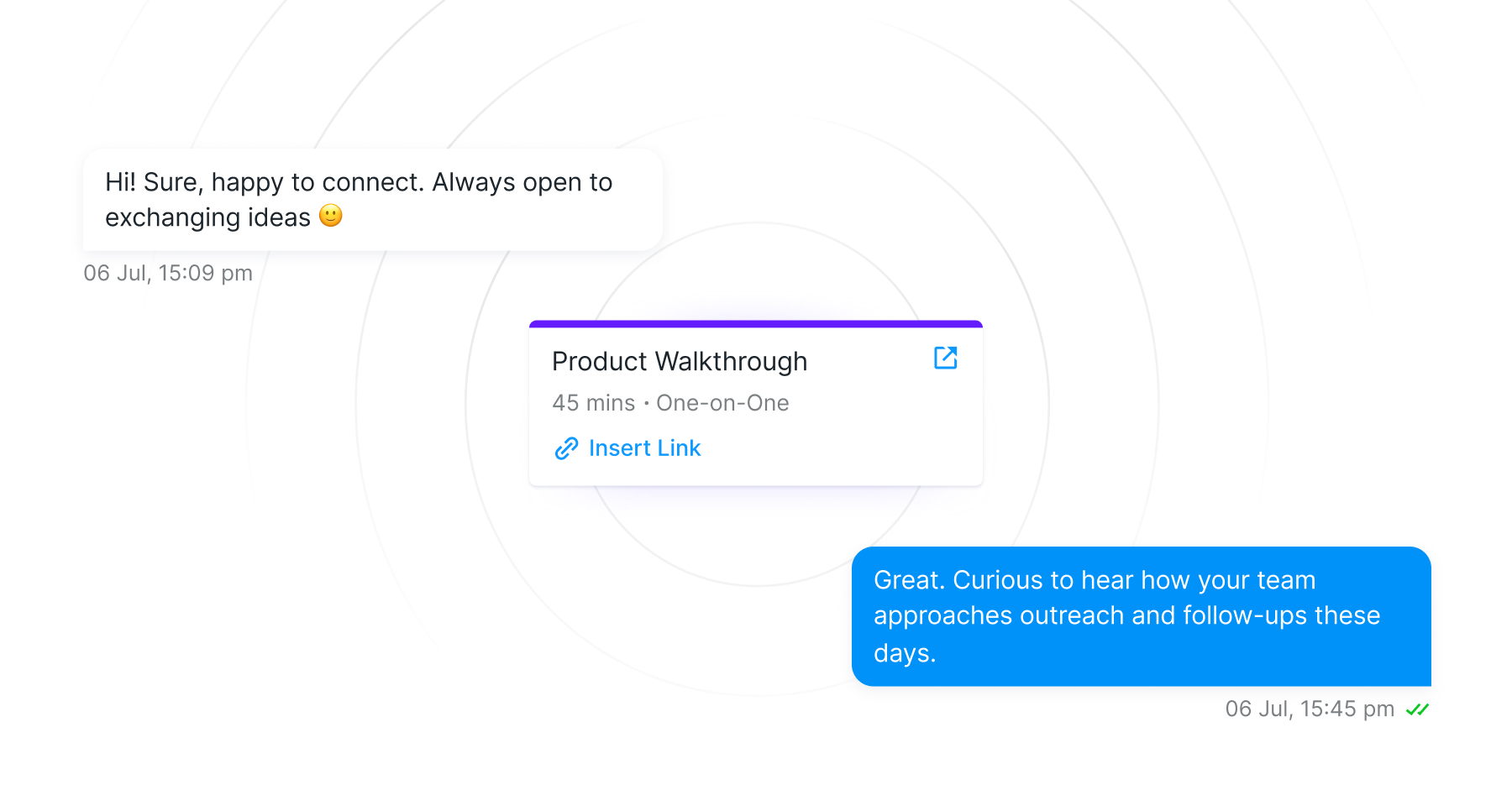
When a prospect books a meeting, it automatically appears in Buzz — inside their conversation and in your Meetings panel — alongside any past meetings booked through your Calendly link.
See the full conversation history before a call and keep everything connected after, so nothing gets lost once the meeting ends.
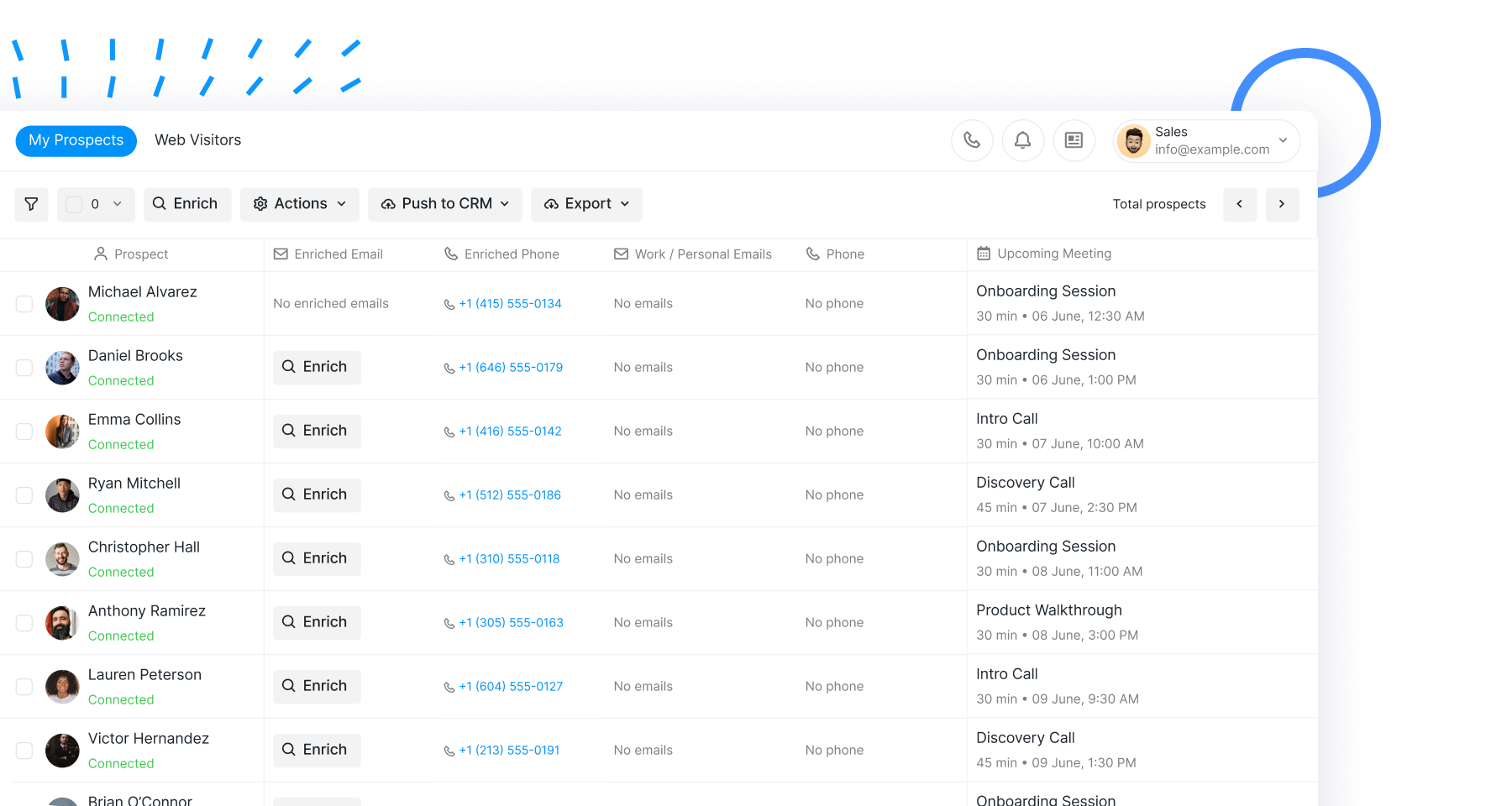

See all upcoming and past meetings inside the conversation and in the Prospects tab — giving you a unified view of every interaction.
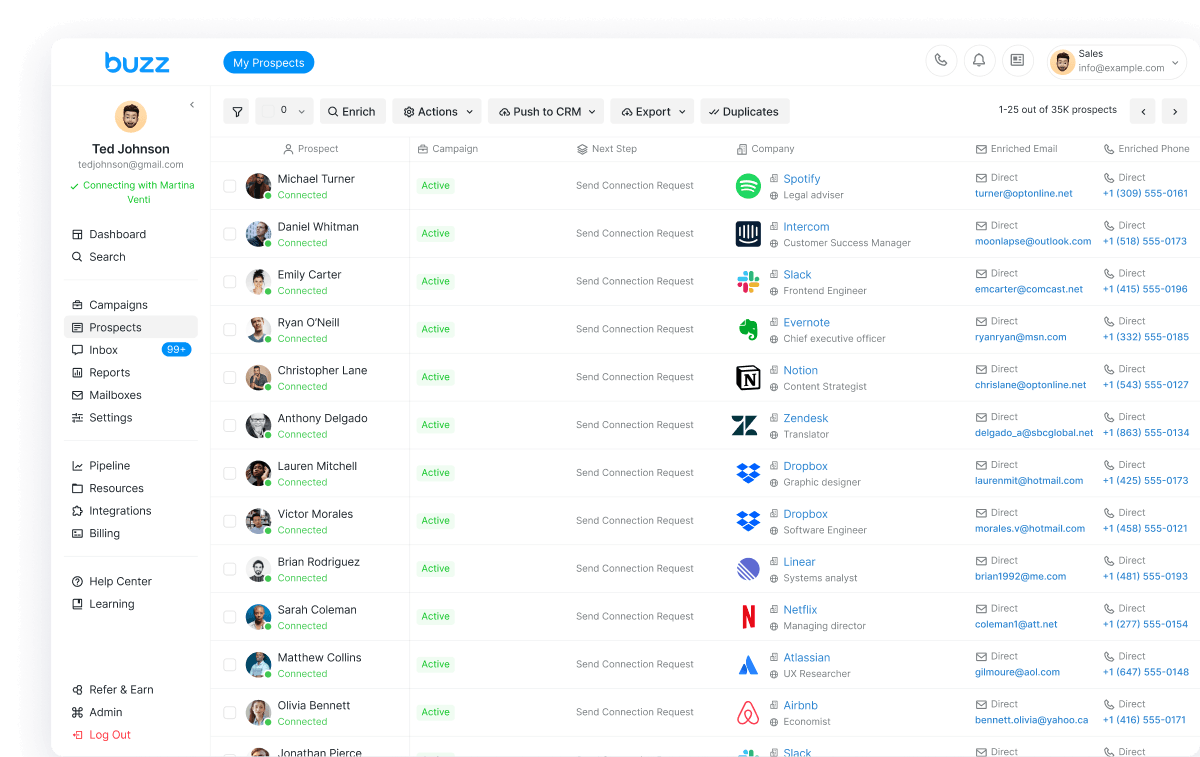
See all upcoming and past meetings inside the conversation and in the Prospects tab — giving you a unified view of every interaction.
Everything you need to know about the product. Can’t find the answer you’re looking for? Please chat with our friendly team.
Go to Integrations, search for Calendly, and click Connect. Your browser will redirect you to Calendly to complete authentication.
Yes. Calendly connects to your entire user account, making it available in every workspace associated with your Buzz login.
No. Calendly is a user-wide integration. Only the user who connected their account can access and insert their own event types.
Once a meeting is booked, it automatically appears in the conversation’s Meetings panel and in the Prospects tab under Upcoming Meeting.
Yes. With AI Employee you can build scheduling into your workflow and let it book meetings for you.