
Push prospects at the right moment
Send prospects to HubSpot exactly when they become relevant — automatically through campaigns, activity sync, or manual actions.
Sync conversations, activities, and deals with HubSpot
Connect Buzz with HubSpot through a native two-way integration to keep your CRM up to date while your outreach moves forward.
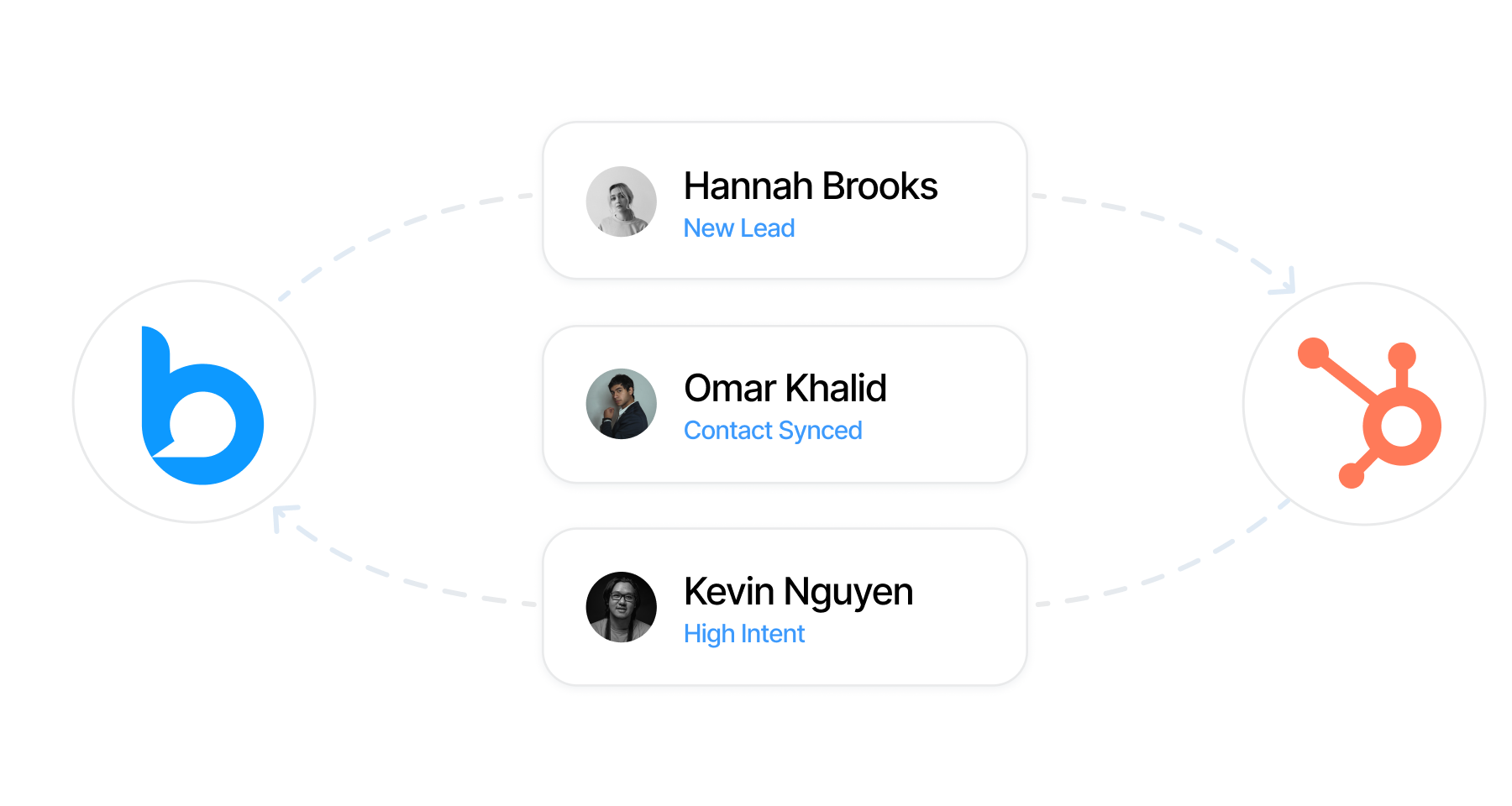
Send prospects to HubSpot exactly when they become relevant — automatically through campaigns, activity sync, or manual actions.
Sync messages, connection requests, and engagement directly into HubSpot so your CRM always reflects real interactions.
Create contacts and deals as soon as prospects engage, capturing essential details without breaking your workflow.
Add deals directly from conversations or your pipeline view, with full control over stages, values, owners, and status.
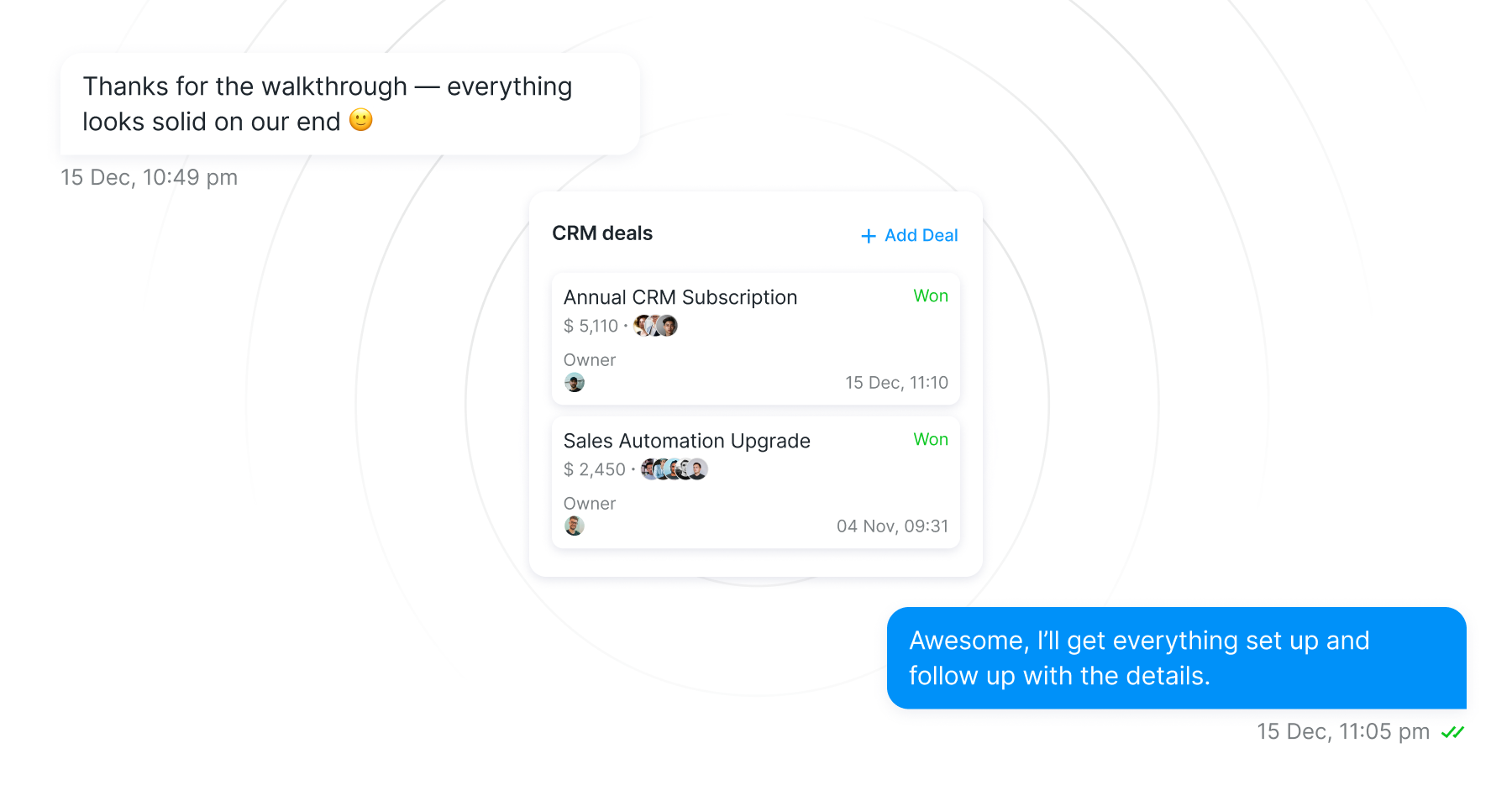
Buzz connects directly to HubSpot, ensuring consistent data flow across prospects, activities, and deals.
Built-in deduplication, email prioritization, and owner assignment help keep your HubSpot workspace accurate and organized.
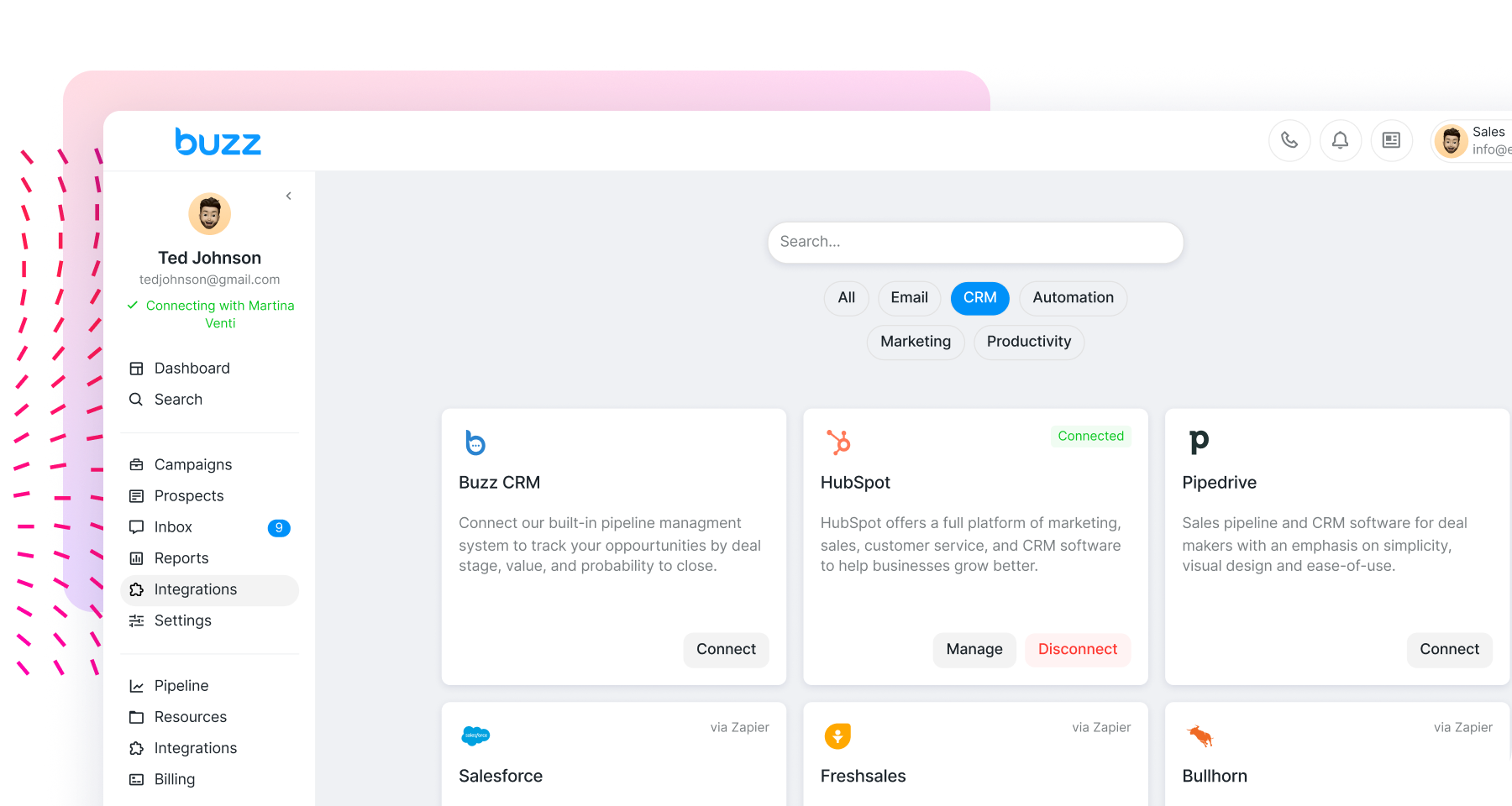

Keep every conversation and deal in a single, unified view with the HubSpot integration, so your team always knows what’s happening next.
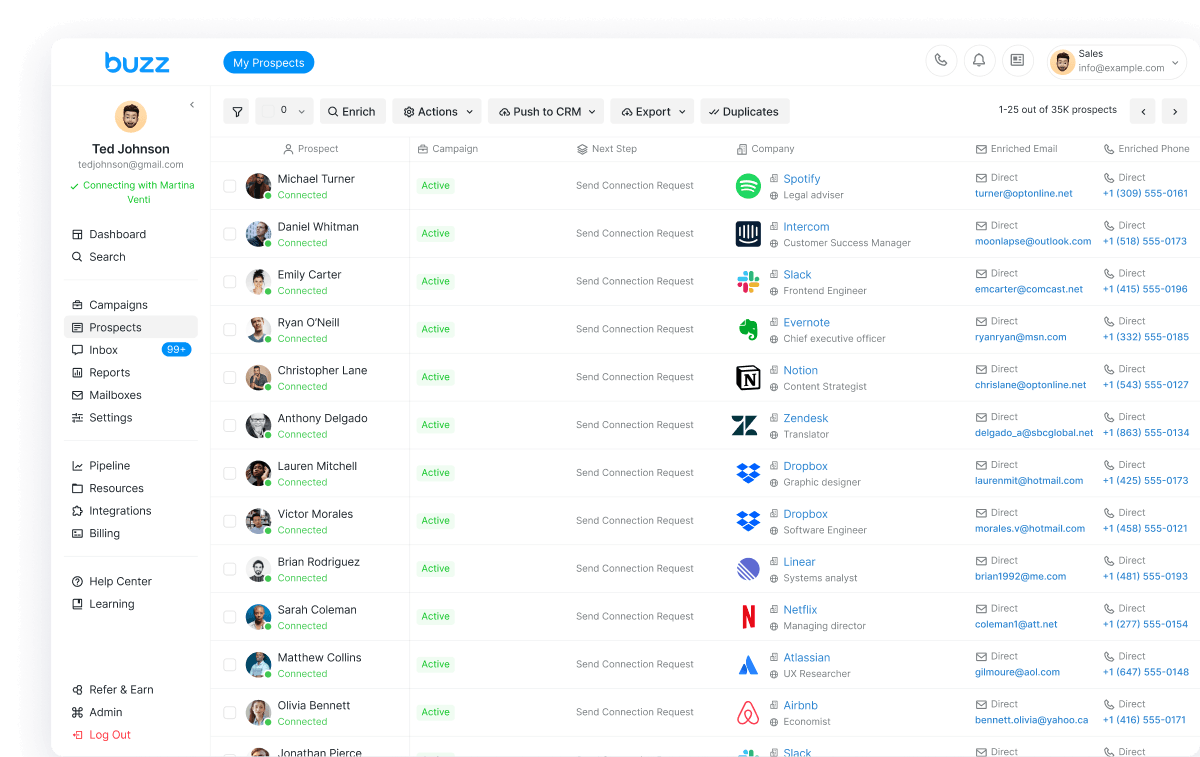
Keep every conversation and deal in a single, unified view with the HubSpot integration, so your team always knows what’s happening next.
Everything you need to know about the product. Can’t find the answer you’re looking for? Please chat with our friendly team.
Connect HubSpot from the Integrations section in Buzz. Once connected, Buzz establishes a native integration with your HubSpot account.
Prospects can be pushed manually from Inbox or Prospects, automatically through campaign steps, or via Activity Sync when selected statuses are reached.
Yes. Prospect Deduplication is enabled by default to prevent duplicate records. Disabling it may result in duplicates or overwritten data.
Synced activity appears in the contact’s Activities tab and in the Recent activities section of the Overview tab.
Yes. You can define the email priority order, and Buzz will push the highest-ranked available email as the primary one.