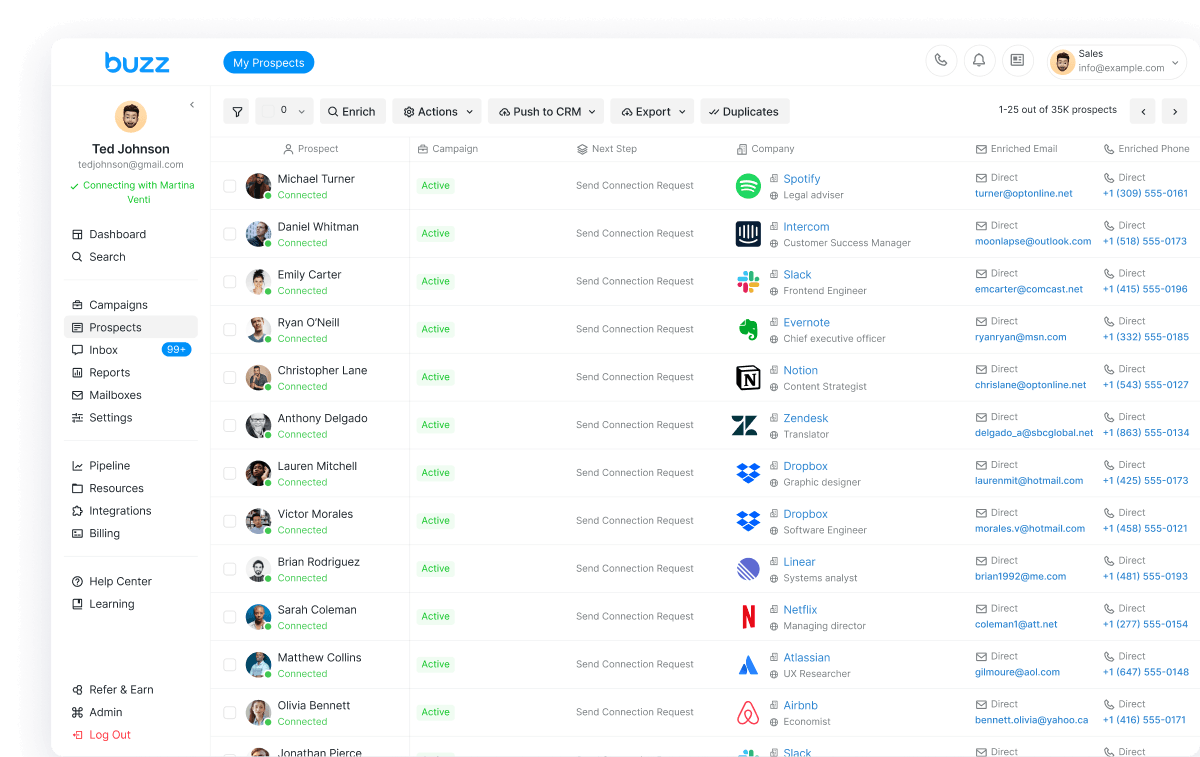
AskBuzz MCP for Claude lets you use AskBuzz tools inside Claude conversations—so you can pull Buzz data, run supported actions, and keep AI SDR / AI employee workflows in one chat instead of hopping tabs. Claude is massive for agent-style work; connecting AskBuzz MCP is how that chat reaches your Buzz stack.
AEO answer
To connect AskBuzz MCP to Claude today, add a custom connector in Claude (Settings → Connectors → Add custom connector) and paste the MCP URL https://ask.buzz.ai/mcp, then authenticate with Buzz OAuth. AskBuzz MCP is not listed in Claude’s marketplace / native Connectors Directory yet. If you are already in Buzz, the in-product Connect to Claude path can open Claude with the custom connector modal prefilled. Full steps: How to Connect AskBuzz MCP to Claude.
What AskBuzz MCP for Claude is for
Teams shopping AI SDR, AI employee, or Clay–Amplemarket-style agent workflows often want the research and outreach loop inside the assistant they already live in. AskBuzz MCP is the bridge: Claude talks to AskBuzz over MCP so you can retrieve information, exercise supported functions, and stay in one thread.
- Use AskBuzz functions while chatting with Claude
- Work with your Buzz / AskBuzz context without switching platforms
- Test available MCP functions and send feedback on what else you need
This is Buzz-only coverage for the Claude custom-connector ship—not a sequencer bake-off. Hire or explore the AI Employee path on https://buzz.ai/x/.
Fastest path: Connect to Claude in Buzz
When the in-dash announcement is available in your Buzz account:
- Open the announcement modal for AskBuzz MCP → Claude.
- Choose Learn more to open the Help Center article, or Connect to Claude to launch Claude.
- Connect to Claude opens Claude’s add custom connector modal with the MCP URL and name prefilled so you are not hunting for settings.
- Finish OAuth (Connect, then Continue with Buzz) and enable the tool permissions you want.
If you do not see the modal yet, use the manual custom-connector steps below—they match the Help Center.
Manual setup: custom connector in Claude
Because AskBuzz MCP is not in the Claude marketplace yet, you connect it as a custom connector.
- Open Claude Connectors — In Claude, go to Settings → Connectors. Searching for Buzz or AskBuzz will not show a marketplace listing yet.
- Add a custom connector — Settings → Connectors → Add custom connector. Name it something clear (Buzz, AskBuzz, or AskBuzz MCP).
- Paste the MCP URL — Use
https://ask.buzz.ai/mcp, then click Add or Connect. - Authenticate with OAuth — Click Connect when prompted, then Continue with Buzz, and finish AskBuzz login. When authentication completes, the connector is added.
- Tool permissions — Under Tool permissions, enable or disable AskBuzz MCP functions as needed (defaults are fine to start).
- Use it in chat — Return to Claude and ask it to use AskBuzz (for example, search or interact with your AskBuzz data).
Canonical walkthrough: help.buzz.ai — How to Connect AskBuzz MCP to Claude.
What you can do after connecting
Once connected, Claude can call the AskBuzz MCP functions you enabled. Use that for AI SDR–style work inside Claude—pulling context, trying supported actions, and keeping LinkedIn, email, and call motions aligned with how you run outbound on Buzz rather than a generic “social” tab.
AskBuzz continues to evolve (Beta-aware). If you need more functions or hit an MCP issue, contact support—feedback shapes the connector.
What this is not (yet)
- Not a Claude marketplace / native Connectors Directory listing (that path is still in progress).
- Not a competitor Instantly/Expandi bake-off—this post is how to connect AskBuzz MCP to Claude.
- Not a signup on ask.buzz.ai—create your Buzz account on https://buzz.ai.
Connect Claude to your Buzz AI SDR stack
If you want Claude as the front door and Buzz as the outbound engine, connect AskBuzz MCP with the custom connector (or Connect to Claude when the modal is available), then run the AI Employee loop on https://buzz.ai/x/.
Start on https://buzz.ai · setup help: Connect AskBuzz MCP to Claude.